OpenText Core SCA (formerly Debricked) is a developer-friendly SCA platform that uses machine learning to prioritize vulnerabilities and assess dependency health.
Acquired by Micro Focus in 2022 and now part of OpenText, it integrates natively with the Fortify portfolio for unified SAST+SCA management.
Its ML-based approach addresses a real gap: the Sonatype 2024 State of the Software Supply Chain report found that one in eight open-source downloads contains a known vulnerability, making intelligent prioritization essential.
ML models predict exploit likelihood, estimate time-to-fix, and identify patterns beyond what CVSS scores alone provide. A dependency health scoring system flags risky packages even without known vulnerabilities.
What is OpenText Core SCA?
Debricked was founded to make SCA accessible to developers without sacrificing depth. After acquisition, it became OpenText Core SCA while keeping its developer-focused approach.
The Fortify SSC and Fortify on Demand integration means organizations can manage SAST and SCA findings in a single dashboard.
Key features
| Feature | Details |
|---|---|
| ML-powered analysis | Predicts exploit likelihood and time-to-fix beyond CVSS |
| Dependency health scoring | Maintenance activity, community size, release frequency assessment |
| Automated fix PRs | Version updates with breaking change warnings |
| License compliance | Hundreds of license types including custom and uncommon |
| SBOM generation | SPDX and CycloneDX formats with transitive dependencies |
| Ecosystems | npm, yarn, pnpm, pip, Poetry, Maven, Gradle, Go, Composer, Bundler, NuGet, Cargo |
| Fortify SSC | Native integration for unified SAST+SCA management |
| Pricing | Free tier for open-source; Premium and Enterprise plans |
ML-powered vulnerability analysis
Machine learning models enrich vulnerability data beyond CVE databases. The system predicts exploit likelihood, estimates time-to-fix, and identifies disclosure patterns to help teams prioritize based on actual risk.
Dependency health scoring
Each dependency receives a health score based on maintenance activity, community size, release frequency, and security track record. Low scores indicate risky dependencies even without known vulnerabilities.
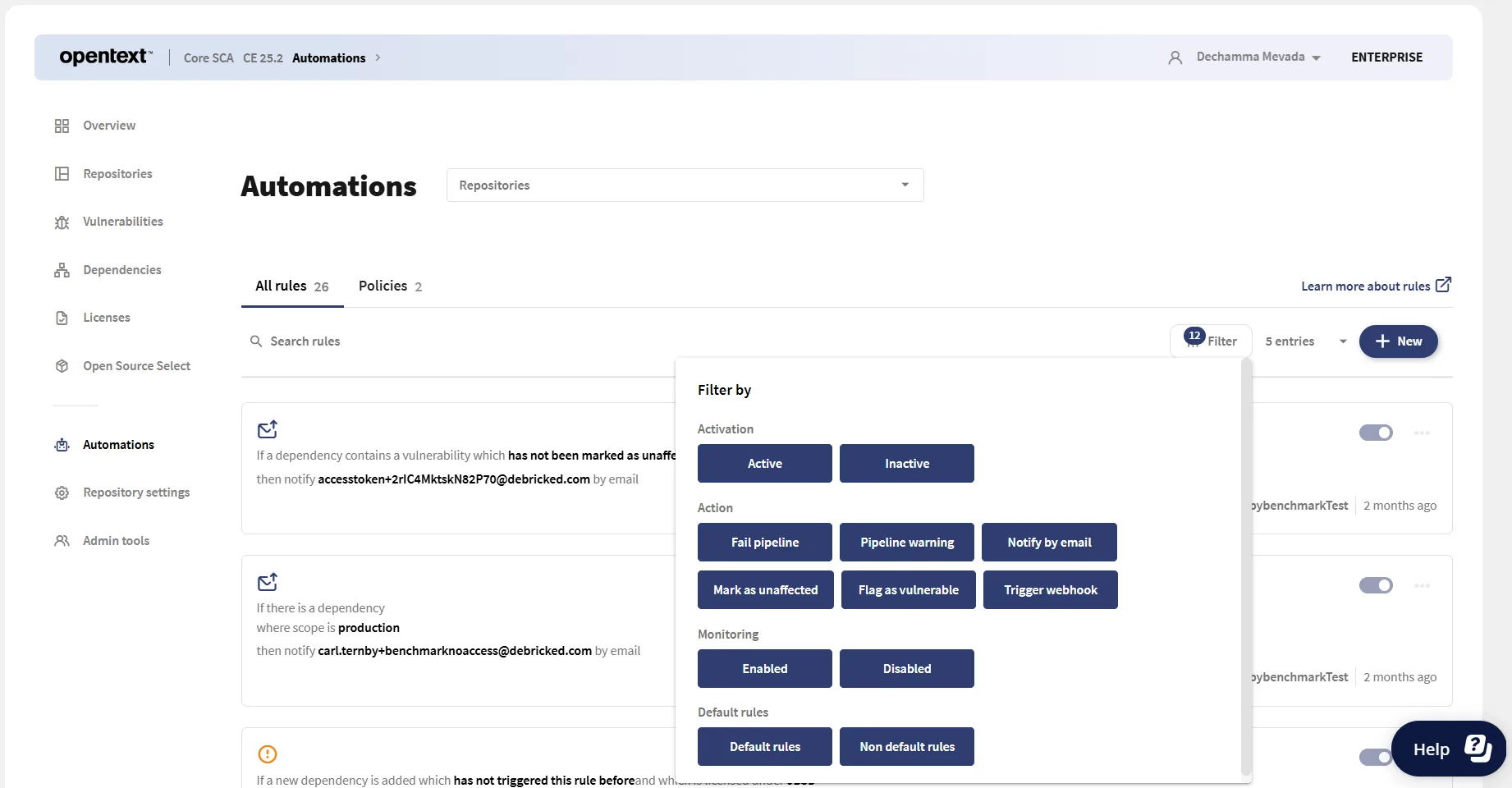
Automated fix pull requests
The platform creates pull requests with version updates when vulnerabilities are detected. Fix PRs include context about changes and breaking change warnings.
License compliance
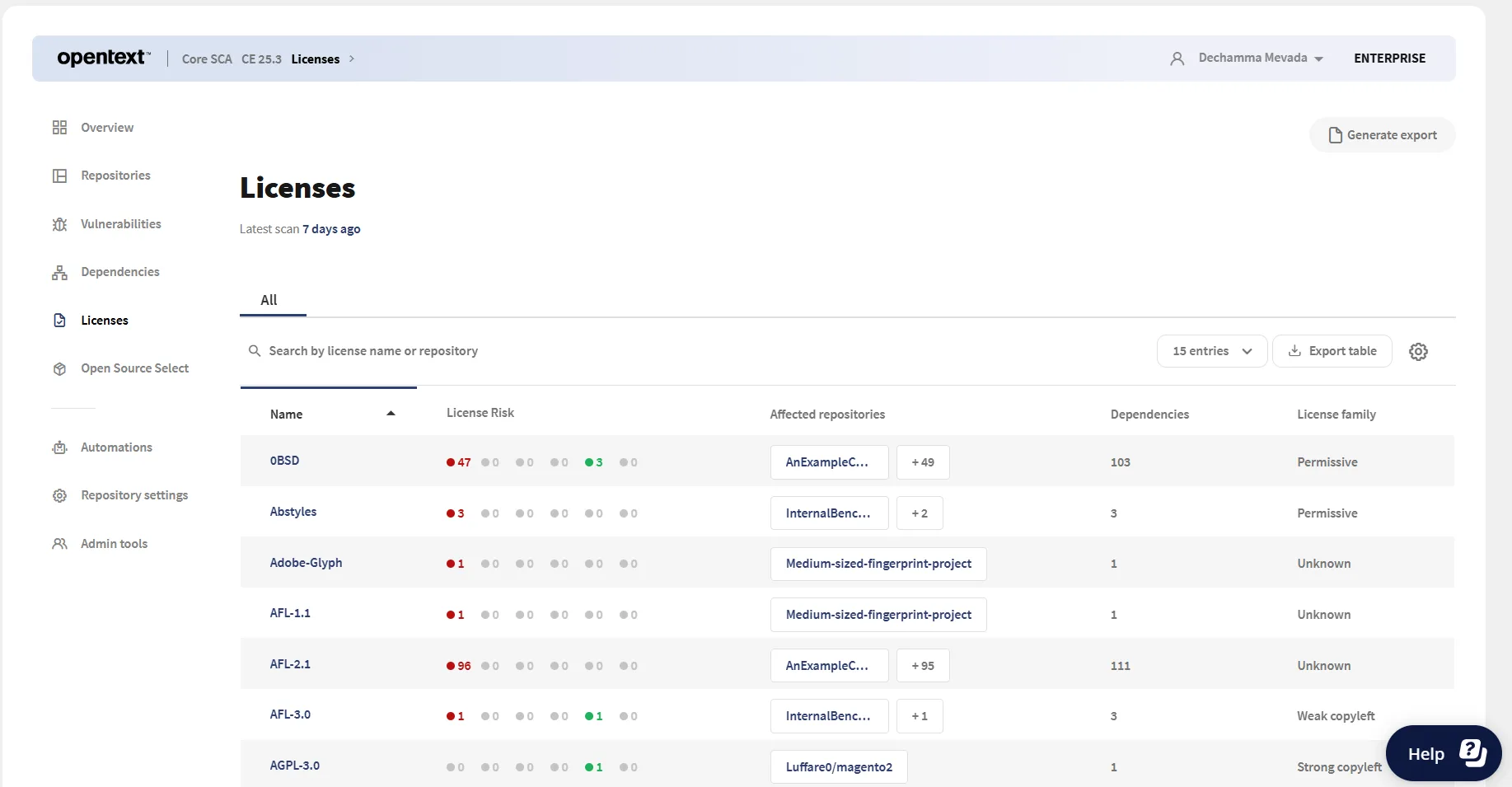
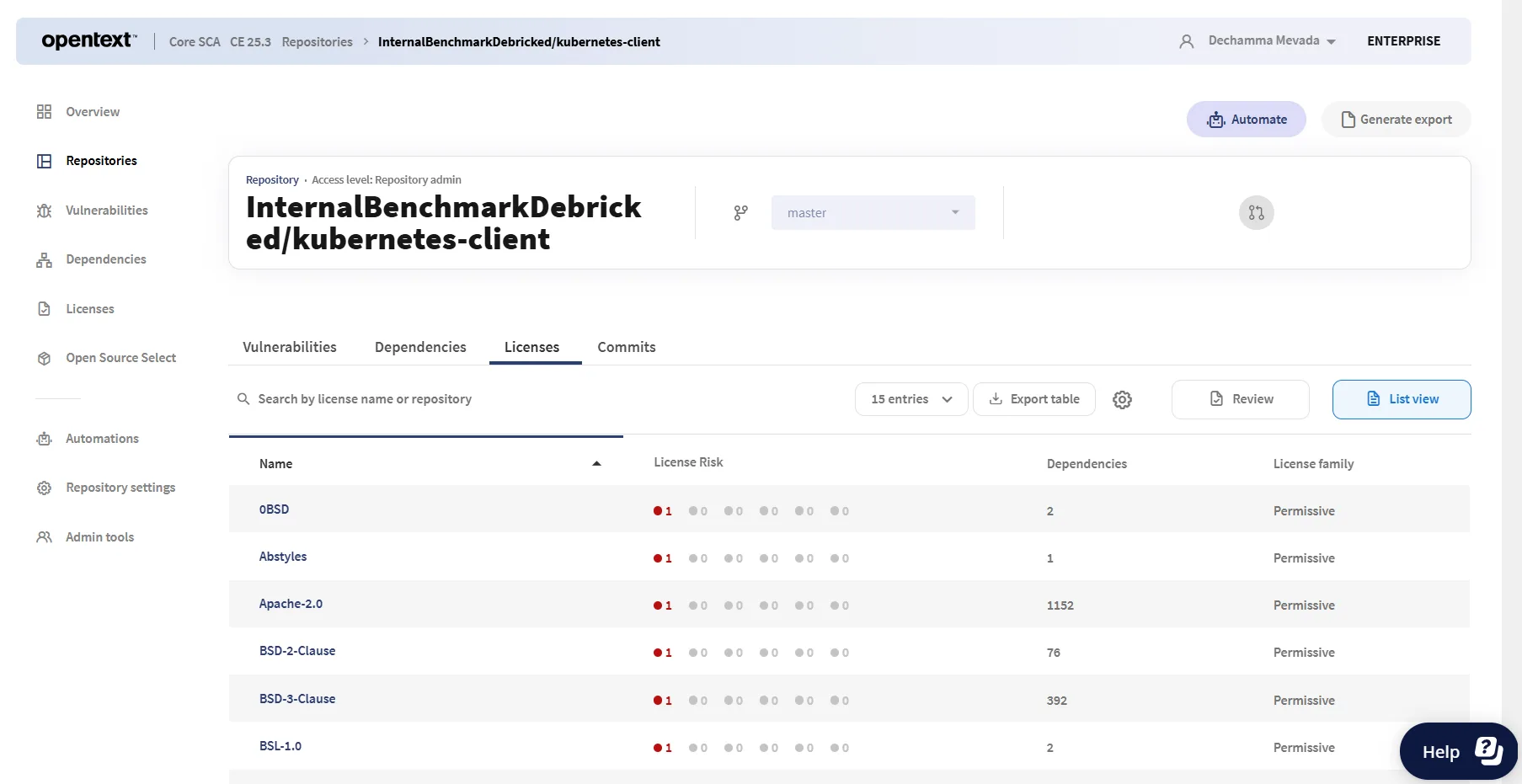
Detection covers hundreds of license types including custom and uncommon licenses. Policy rules flag copyleft, commercial restrictions, or specific requirements. Handles multi-license packages and license expressions.
SBOM generation
Generates SBOMs in SPDX and CycloneDX formats with transitive dependencies, license information, and vulnerability status.
Integrations
 GitHub Actions
 GitLab CI
 Azure DevOps
 Jenkins
Getting started
npm install -g @debricked/cli or brew install debricked/tap/cli on macOS.debricked auth login for OAuth, or set DEBRICKED_TOKEN for CI/CD environments.debricked scan . in your project directory. Resolve dependencies first for accurate results.When to use OpenText Core SCA
OpenText Core SCA fits teams wanting developer-friendly SCA with ML-powered prioritization, especially those already using Fortify for SAST.
The ML models and dependency health scoring add intelligence beyond basic CVE matching. The free tier makes it accessible for open-source projects.
The main value of the paid tiers is the Fortify integration and team policy management.
If you do not use Fortify, the ML prioritization and health scoring are still useful, but you lose the unified dashboard advantage.
How it compares:
| vs. | Key difference |
|---|---|
| Snyk Open Source | Snyk has a larger ecosystem and broader language coverage. Debricked has ML-powered prioritization and Fortify integration. |
| Mend SCA | Mend has Renovate-powered remediation and merge confidence. Debricked has dependency health scoring and Fortify integration. |
| Dependabot | Dependabot is free and GitHub-native. Debricked adds ML analysis, health scoring, and Fortify integration. |
Further reading: What is SCA? | Open Source License Compliance
Note: Acquired by Micro Focus in 2022, now part of OpenText. Also known as OpenText Core SCA.