
GitLab DAST is the built-in dynamic application security testing tool for GitLab Ultimate. It runs as a CI/CD pipeline job, scans your deployed application for vulnerabilities, and shows results directly in merge requests.
No external tool to configure. No separate dashboard to manage.
Add a CI template, set a target URL, and DAST runs alongside your existing pipeline.
Requires GitLab Ultimate. Not available on Free or Premium tiers.
Key features at a glance
| Feature | Detail |
|---|---|
| GitLab Tier | Ultimate only (GitLab.com, Self-Managed, Dedicated) |
| Analyzer Version | DAST v5 (browser-based, unified) |
| Legacy Analyzer | Proxy-based removed in GitLab 17.3 |
| Web Scanning | Browser-based for SPAs (React, Vue, Angular) |
| API Scanning | REST (OpenAPI/Swagger), GraphQL, SOAP |
| Results Location | Merge request widget, pipeline security tab, security dashboard |
| Authentication | Form-based login, token/header auth, OAuth |
| On-Demand Scans | Yes — via UI or API, outside CI/CD pipelines |
| Scan Modes | Quick scan and full scan |
| Output | DAST report artifact (JSON) |
What is GitLab DAST?
GitLab DAST is part of GitLab’s DevSecOps platform. The scanner runs as a standard CI/CD job, testing deployed applications for SQL injection, XSS, CSRF, security misconfigurations, and other runtime flaws.
According to the OWASP Testing Guide, dynamic testing against a running application is essential for catching vulnerabilities that static analysis cannot reach, such as authentication and session management issues.
The tool is language-agnostic — it examines applications externally, so it doesn’t matter what language or framework the app is built with.
The legacy proxy-based analyzer was deprecated in GitLab 16.9 and removed in 17.3. DAST version 5 uses a unified browser-based approach for all scanning.
If you’re on an older version, GitLab provides migration guides for both proxy-based and browser-based v4 analyzers.
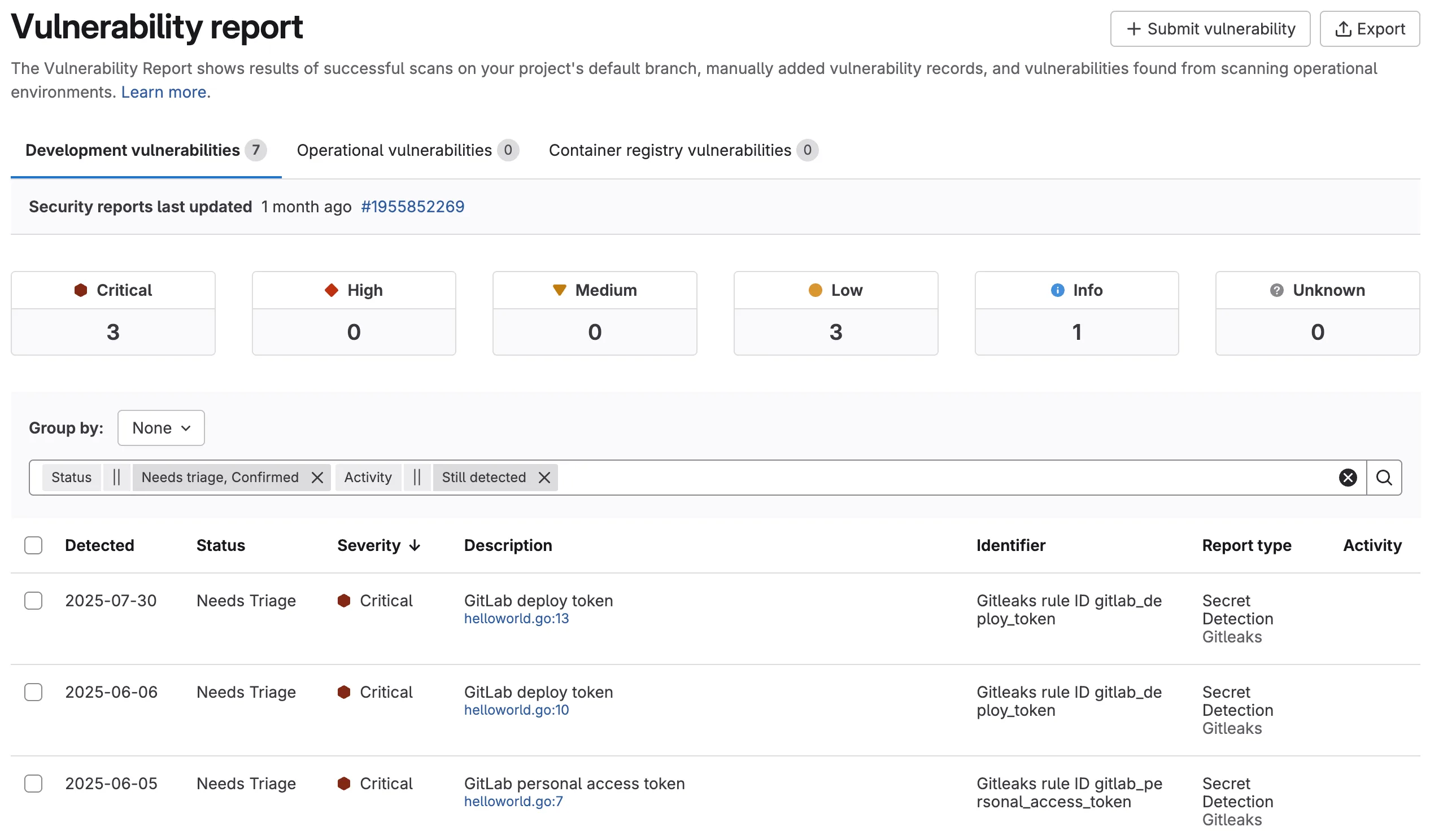
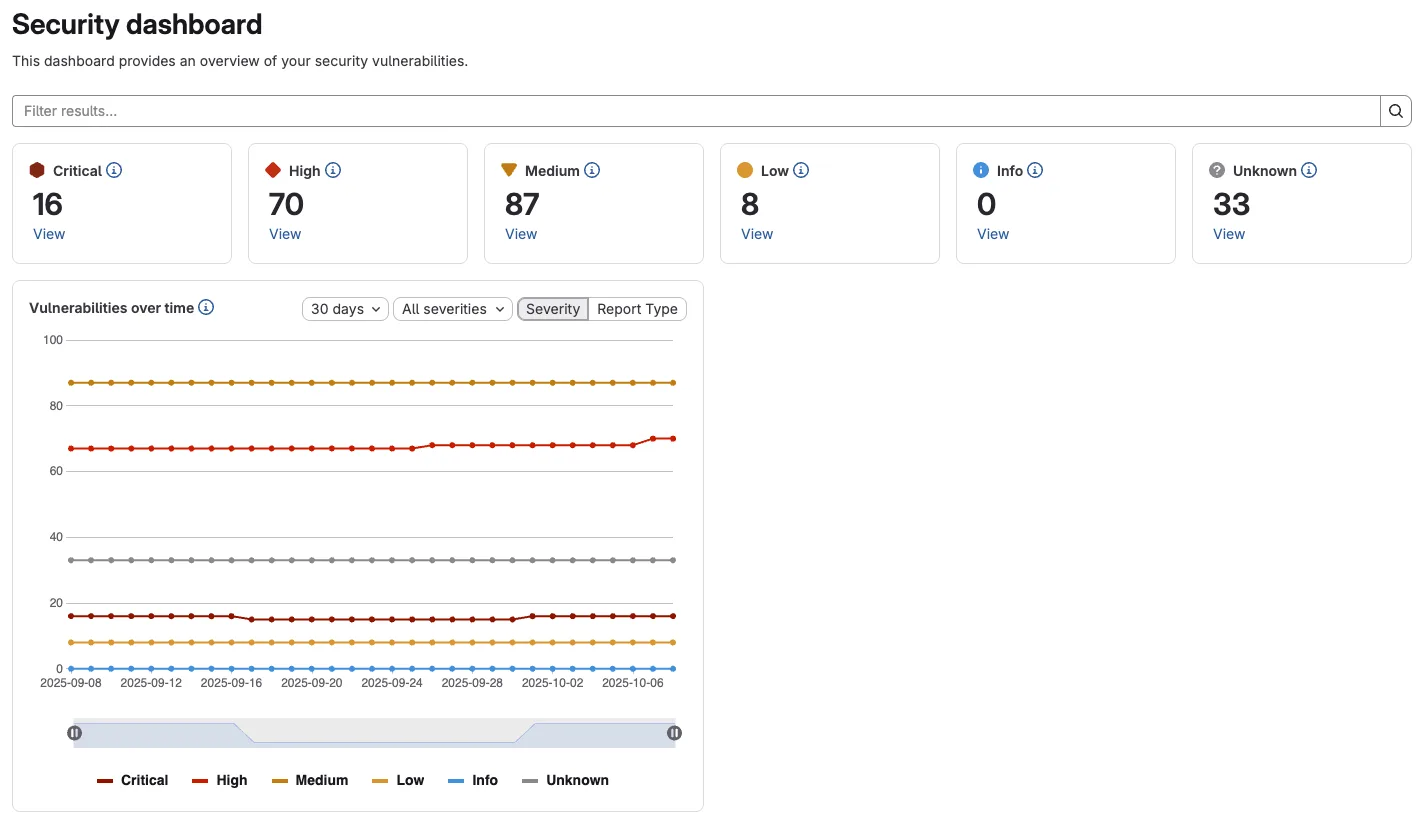
Results flow into GitLab’s security features automatically. Vulnerabilities appear in the merge request widget (highlighting new issues introduced by the MR), the pipeline security tab, and the project-level security dashboard.
Developers can review, dismiss, or create issues for findings without leaving GitLab.
Browser-based scanning
The browser-based scanner handles modern SPAs that render content via JavaScript. It executes JS, interacts with client-side routing, handles OAuth and token-based authentication, and tests API calls made by the frontend.
include:
  - template: DAST.gitlab-ci.yml

variables:
  DAST_TARGET_URL: https://staging.example.com
  DAST_CRAWL_TIMEOUT: 60m
API scanning
For REST APIs, point the analyzer at your OpenAPI/Swagger spec. For GraphQL, provide the endpoint URL. SOAP is also supported.
include:
  - template: DAST-API.gitlab-ci.yml

variables:
  DAST_API_OPENAPI: https://api.example.com/openapi.yaml
  DAST_TARGET_URL: https://api.example.com
Authenticated scanning
GitLab DAST supports form-based login, bearer tokens, and header-based auth for scanning protected pages.
variables:
  DAST_TARGET_URL: https://staging.example.com
  DAST_AUTH_URL: https://staging.example.com/login
  DAST_AUTH_USERNAME: $DAST_USER
  DAST_AUTH_PASSWORD: $DAST_PASS
  DAST_AUTH_USERNAME_FIELD: username
  DAST_AUTH_PASSWORD_FIELD: password
  DAST_AUTH_FIRST_SUBMIT_FIELD: submit
  DAST_AUTH_SUCCESS_IF_AT_URL: https://staging.example.com/dashboard
.gitlab-ci.yml.How to use GitLab DAST
include: - template: DAST.gitlab-ci.yml to your .gitlab-ci.yml and set the DAST_TARGET_URL variable to your staging URL.DAST_AUTH_URL, DAST_AUTH_USERNAME, DAST_AUTH_PASSWORD, and field name variables so the scanner can test authenticated areas.Limitations
A few things to know before choosing GitLab DAST:
- Ultimate only — requires the most expensive GitLab tier
- Pipeline dependency — if any concurrent security job fails, DAST results won’t appear in the pipeline security dashboard
- Limited customization — fewer tuning options than dedicated DAST tools
- No advanced features — no AI-powered testing, no business logic testing, no proof-based scanning
Integrations
 GitLab CI/CD
Security Dashboard
Vulnerability Reports
Merge Requests
GitLab CI/CD
Security Dashboard
Vulnerability Reports
Merge RequestsWhen to use GitLab DAST
GitLab DAST is the obvious choice if you’re already on GitLab Ultimate. Zero integration friction — it’s a CI template and a few variables. Results show up where developers already work.
Good fit when you need:
- DAST integrated directly into GitLab CI/CD pipelines
- Vulnerability findings in merge request reviews
- Browser-based scanning for SPAs
- API security testing for REST, GraphQL, and SOAP
- Centralized security dashboard across multiple projects
- On-demand scanning for ad-hoc testing
If you’re on GitLab Free or Premium, you’ll need a standalone DAST tool. For a breakdown of how dynamic testing compares to other approaches, see our SAST vs DAST vs IAST guide.
And even on Ultimate, teams that need advanced features like business logic testing, AI-powered scanning, or proof-based verification should look at dedicated platforms like Escape or Invicti alongside or instead of GitLab DAST.
Teams on a budget might also consider Dastardly, a free CI/CD DAST scanner from PortSwigger.
Works best when combined with GitLab’s other security scanners (SAST, SCA, Container Scanning) for full pipeline coverage.