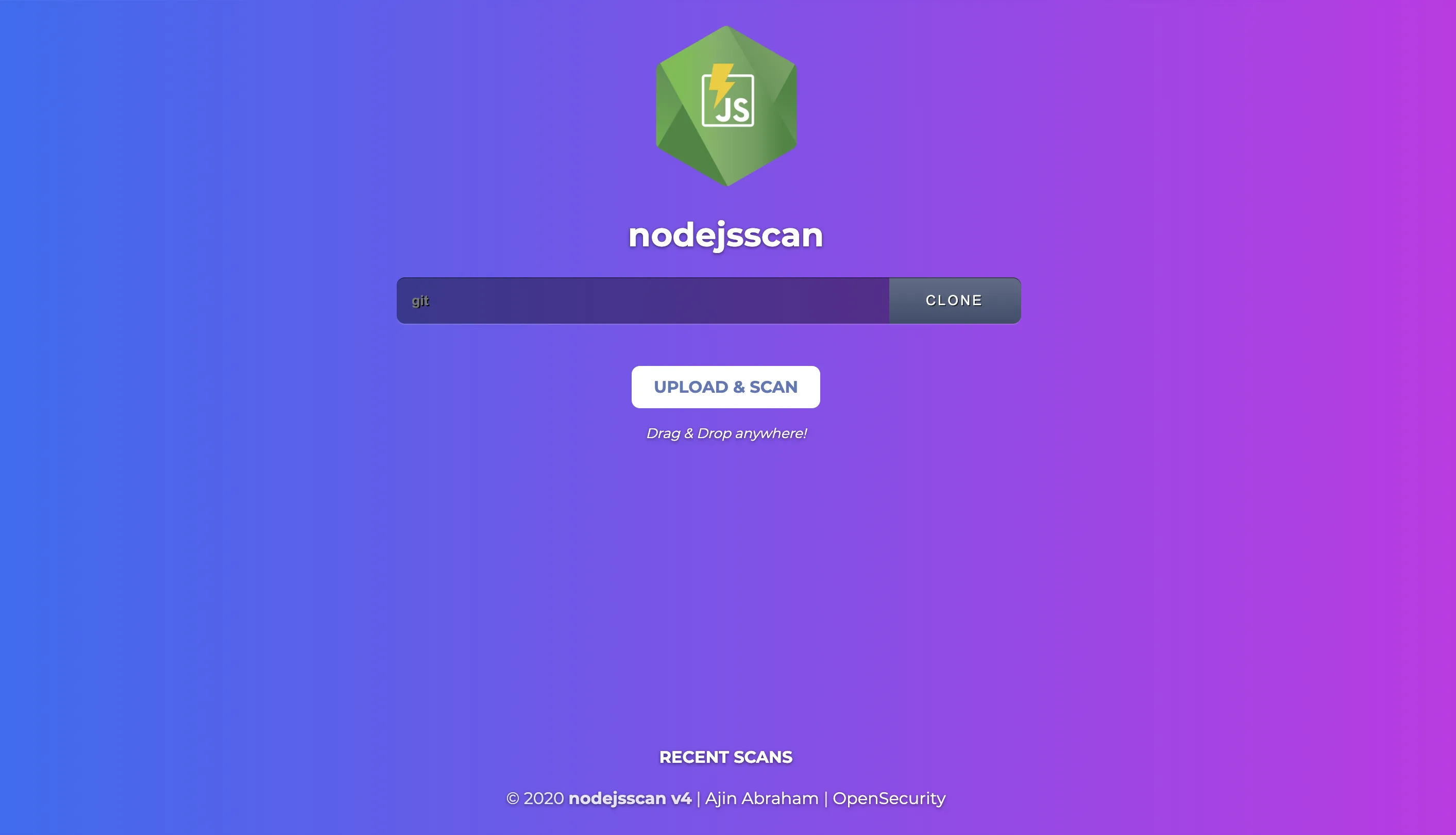
NodeJSScan is a free, open-source SAST tool built for Node.js applications. With over 2,500 GitHub stars, it provides a web interface for manual analysis and a CLI tool (njsscan) for CI/CD pipelines.
Created by Ajin Abraham (who also maintains MobSF), NodeJSScan uses semantic grep patterns powered by semgrep and libsast to detect security vulnerabilities with context awareness.
What is NodeJSScan?
NodeJSScan detects security vulnerabilities in Node.js applications through static analysis. According to Snyk’s State of Open Source Security reports, JavaScript consistently ranks among the top languages for disclosed vulnerabilities, making Node.js-specific scanning tools valuable.
The scanner targets JavaScript files (.js) and checks for patterns that indicate SQL injection, command injection, XSS, SSRF, insecure cryptography, hardcoded secrets, and more.
The tool includes checks for missing security controls like CSRF protection, rate limiting, and Helmet security headers — common gaps in Express.js applications.
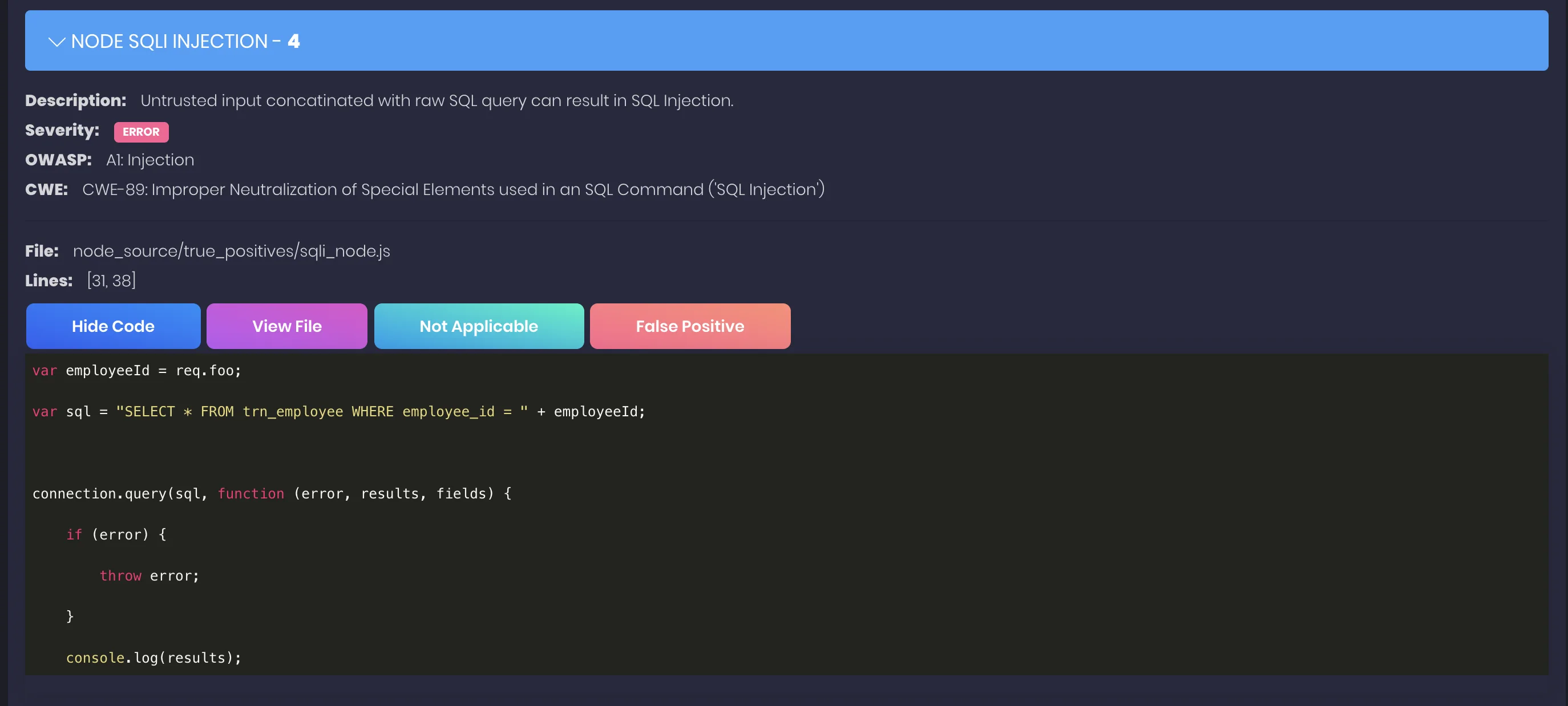
Each finding includes the file location and remediation guidance explaining why the pattern is risky and how to fix it.
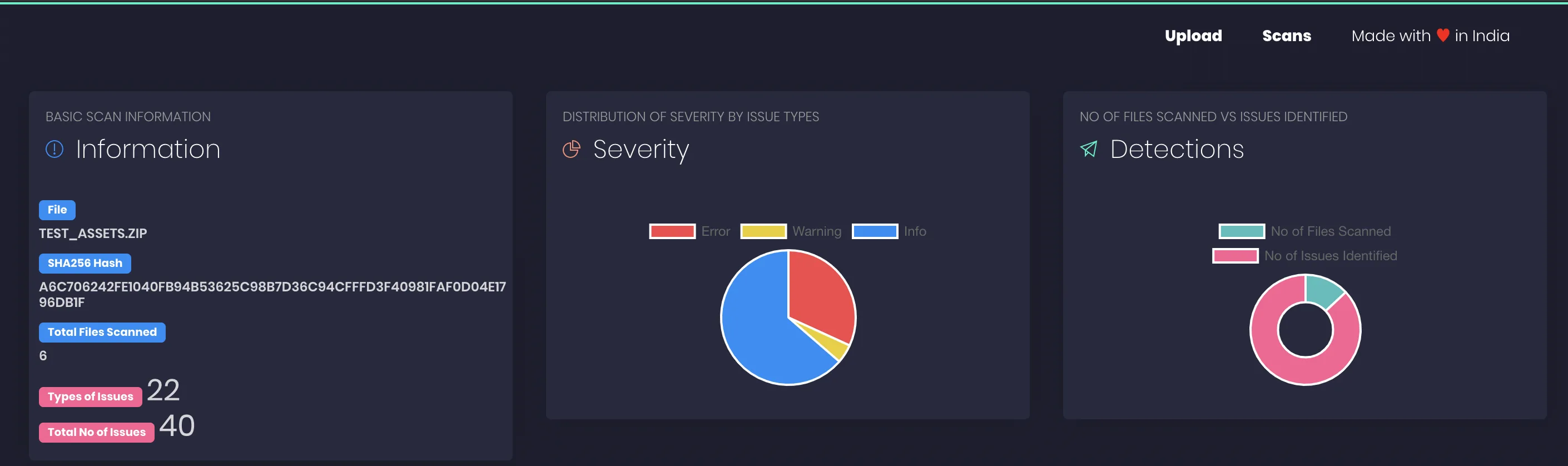
Vulnerability coverage
NodeJSScan detects a range of server-side JavaScript security issues:
| Category | Examples |
|---|---|
| Injection | SQL injection, NoSQL injection, command injection, code injection |
| Data exposure | XSS, SSRF, directory traversal, information leakage |
| Crypto | Weak cryptography, hardcoded secrets, insecure random |
| Config | Missing CSRF protection, missing rate limiting, insecure Helmet headers |
| Deserialization | Insecure deserialization patterns |
Getting started
pip install njsscan or pipx install njsscan for the CLI. For the web UI, use docker pull opensecurity/njsscan and run it on port 9090.njsscan /path/to/project to scan a Node.js codebase. Use --sarif for SARIF output or --json for JSON.ajinabraham/njsscan-action@master) or add pip install njsscan && njsscan . to any CI pipeline. GitLab CI, Travis CI, and Circle CI examples are in the README.--baseline to suppress known issues.When to use NodeJSScan
NodeJSScan works well for teams building Express, Fastify, NestJS, or any Node.js backend. It catches injection flaws and insecure configurations that often slip through code review.
For broader JavaScript coverage including TypeScript and client-side code, consider Semgrep or Snyk Code. For commercial support, those tools also offer enterprise features and dashboards.