


Tenable Web App Scanning is a cloud-based DAST solution built on the Nessus scanning engine. It tests web applications and APIs for security vulnerabilities and ties into Tenable’s Attack Surface Management for automatic discovery of web properties you might not know about.
Tenable WAS uses per-FQDN pricing. See Tenable’s pricing page for current rates. The scanner is also included in Tenable Vulnerability Management trials.
What is Tenable Web App Scanning?
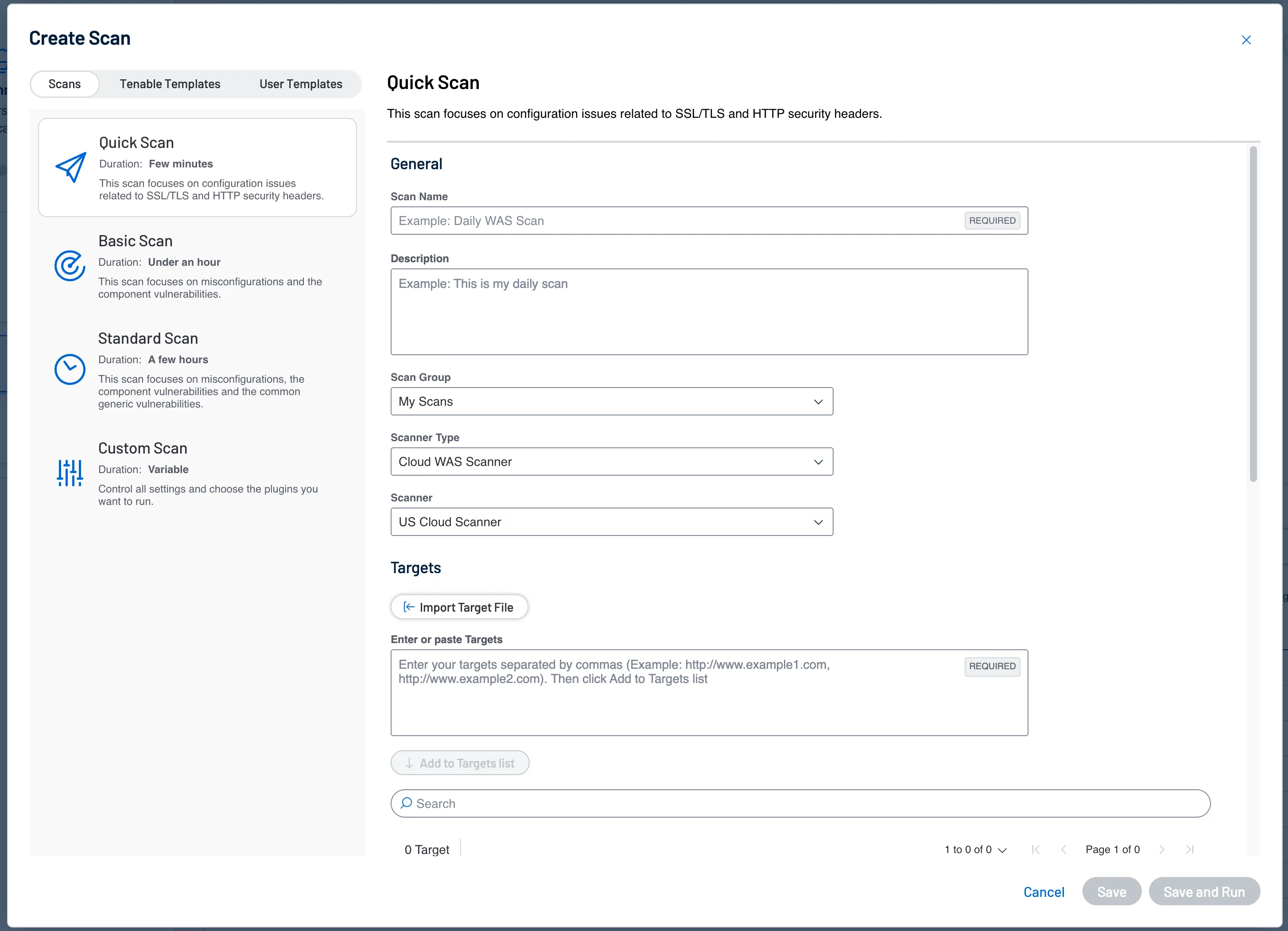
Tenable Web App Scanning (formerly Tenable.io WAS) crawls running web applications through the front end, builds a site map of pages, links, and forms, then tests each one for vulnerabilities.
It covers the OWASP Top 10, vulnerable third-party components, and API-specific flaws.
According to the Verizon Data Breach Investigations Report, web application attacks remain one of the most common breach vectors, making regular dynamic testing a practical necessity.
The Nessus engine underneath gets regular vulnerability check updates from Tenable’s research team. The cloud delivery means no infrastructure to manage — you point it at a URL and go.
Where Tenable WAS gets interesting is the Attack Surface Management integration. Tenable ASM continuously discovers web applications and APIs across your digital footprint, including shadow IT properties that security teams may not be tracking.
When ASM finds an unknown web app, WAS can scan it automatically.
NIST SP 800-53 calls out the importance of maintaining an accurate asset inventory as a foundational security control, and this integration helps address that requirement.
| Feature | Details |
|---|---|
| Engine | Nessus-powered scanning technology |
| Delivery | Cloud-native SaaS |
| On-premises option | Via Tenable Security Center (FedRAMP-authorized) |
| API testing | REST, GraphQL, SOAP |
| Pricing | Per-FQDN pricing (see Tenable’s website) |
| Rapid scans | Under 2 minutes for hygiene checks |
| SPA support | Modern JavaScript frameworks |
| Scan controls | Pause/resume, rate limiting, scheduling |
| ASM integration | Automatic web app discovery |
| Ecosystem | Tenable One, Tenable.io, Tenable.sc |
What are Tenable Web App Scanning’s key features?
| Capability | Details |
|---|---|
| Nessus-Powered Engine | Built on Tenable’s Nessus scanning technology with regular vulnerability check updates from Tenable’s research team. Nessus has been around since 1998 and is one of the most widely deployed vulnerability scanners. |
| Attack Surface Management | Integrates with Tenable ASM to automatically discover web applications across your digital footprint, including shadow IT. New apps get flagged and can be queued for scanning. |
| Rapid Scan Templates | Predefined scan templates check SSL/TLS certificates, server configurations, and common security hygiene issues in under 2 minutes. Good for quick health checks between full scans. |
API Security Testing
Tenable WAS tests three API types:
- REST APIs: Automated endpoint discovery and testing
- GraphQL: Query analysis and mutation testing
- SOAP Web Services: WSDL-based testing for legacy services
- OpenAPI Import: Feed in an OpenAPI/Swagger spec to guide API testing
- Authentication: OAuth 2.0, API keys, JWT, and custom auth methods
Scan Controls
Tenable gives you granular control over scan behavior:
- Pause/Resume: Stop scans during maintenance windows and pick up where you left off
- Rate Limiting: Throttle request rates to avoid hammering production systems
- Scheduling: Recurring scans on custom schedules (weekly, monthly)
- Scope Control: Include and exclude URL patterns to focus scanning where it matters
Custom Dashboards
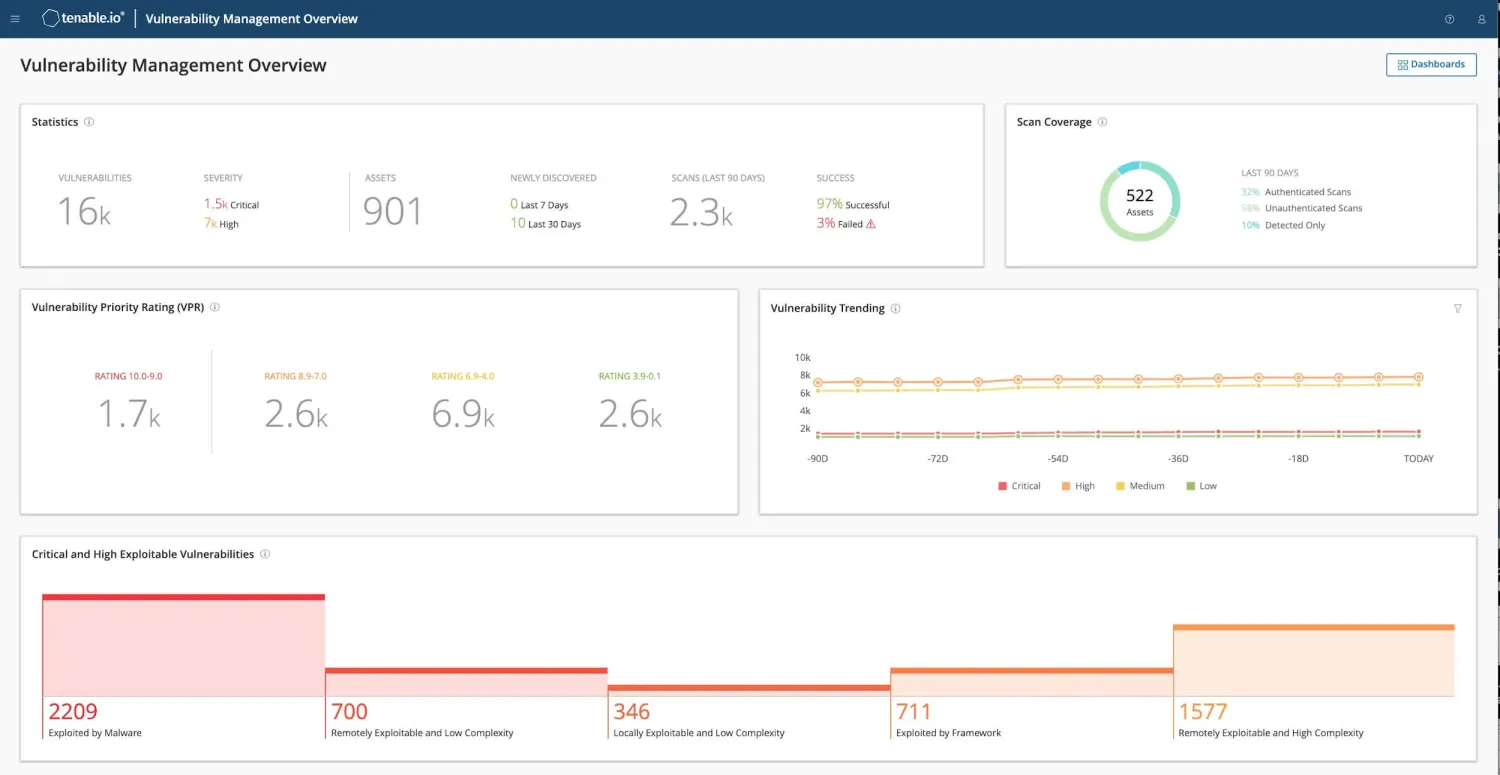
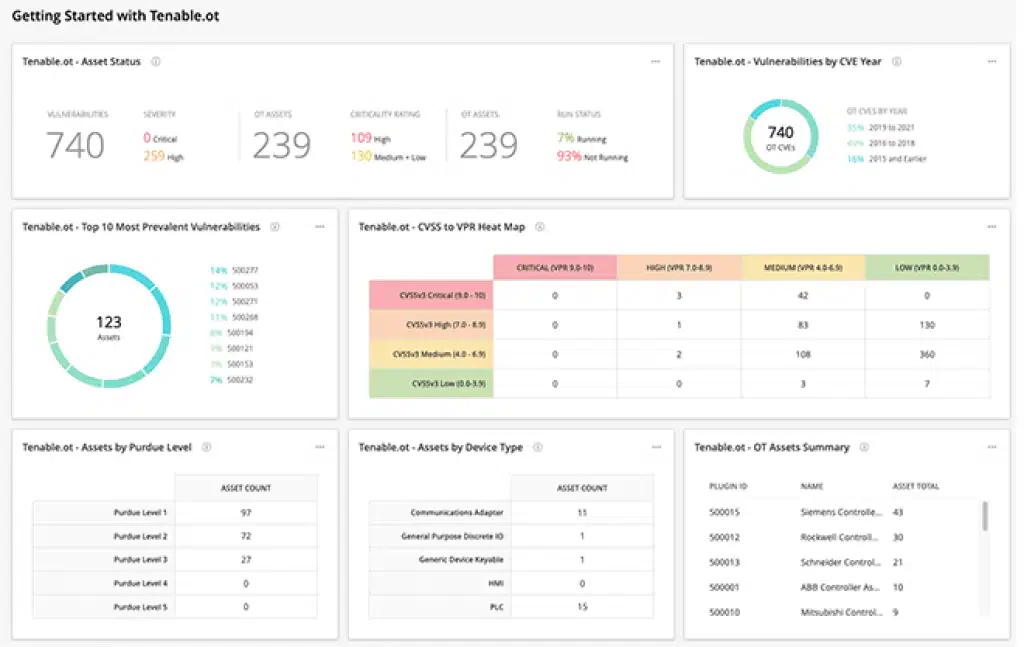
The platform lets you build custom dashboards and visualizations. You can combine web app vulnerability data with infrastructure findings from Tenable.io for a combined view of your attack surface.
What does Tenable Web App Scanning integrate with?
 Tenable.io
Tenable One
Tenable.sc
Tenable ASM
Tenable.io
Tenable One
Tenable.sc
Tenable ASM Splunk
 QRadar
 Jira
Jira ServiceNow
Tenable WAS pricing
Tenable does not publish list prices for Web App Scanning on tenable.com. Buyers contact sales for a quote, and the licensing model is per-FQDN — you license each fully qualified domain name you intend to scan.
WAS is also bundled into Tenable One and the Tenable Vulnerability Management trial, which is the easiest path to evaluate scan quality before committing to a contract. Government and FedRAMP buyers route through Tenable Security Center, priced separately.
For procurement benchmarking, request quotes from Tenable alongside Qualys WAS , Rapid7 InsightAppSec, and Invicti — these are the closest commercial peers and most do not publish public list prices either.
How do I get started with Tenable Web App Scanning?
- Log in to Tenable.io — Access the Tenable platform and navigate to the Web App Scanning section. If you don’t have an account, the Vulnerability Management trial includes WAS.
- Add your first target — Enter your application URL. Tenable creates a target profile and runs initial fingerprinting.
- Configure authentication — Set up form-based login, OAuth, or API key authentication so the scanner can reach protected areas of your application.
- Choose a scan template — Pick a rapid scan (under 2 minutes) for a quick check, or a full scan for thorough testing. Schedule recurring scans if needed.
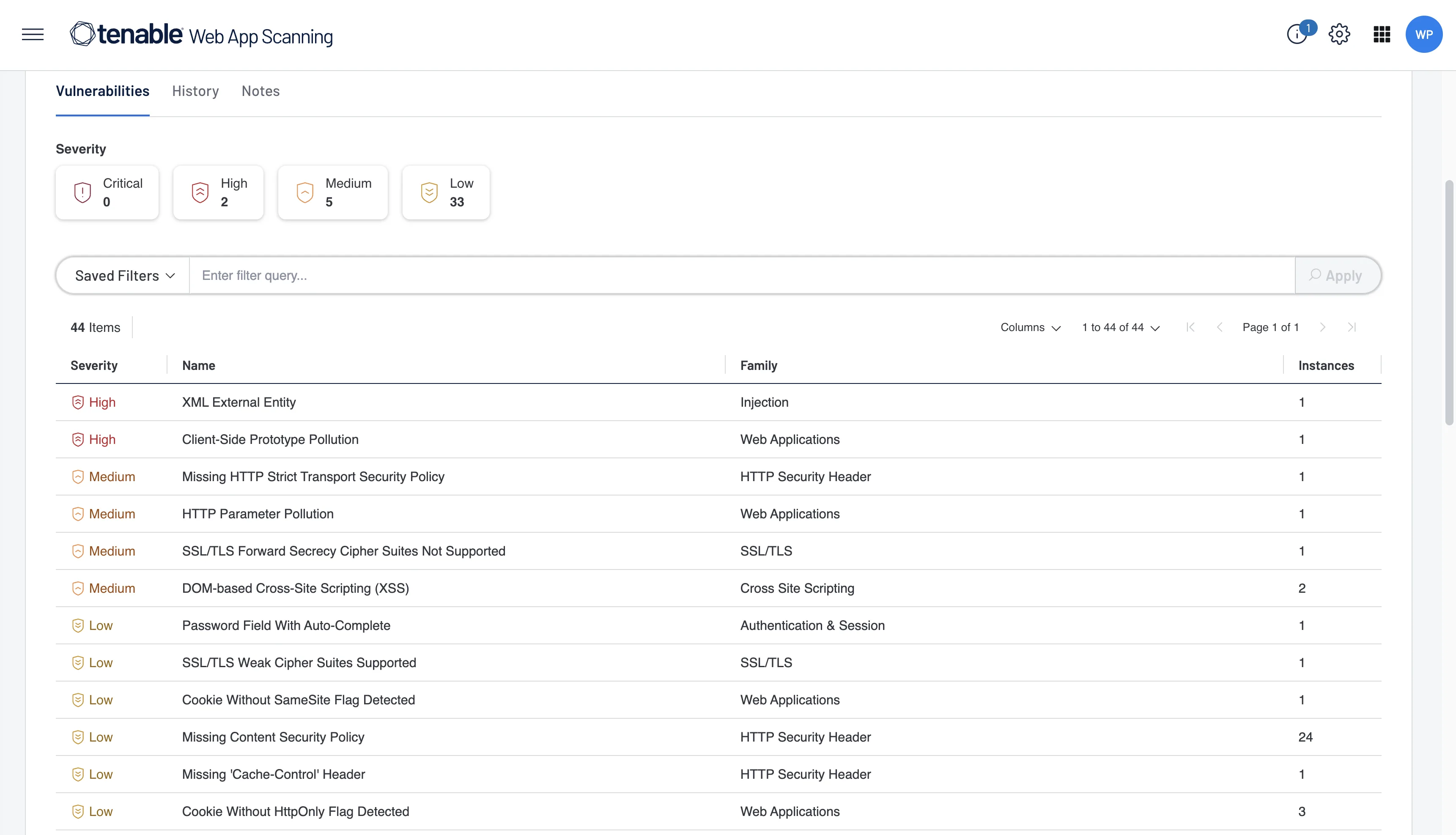
- Review results — Findings appear in the Tenable dashboard with severity ratings, remediation guidance, and integration hooks for Jira or ServiceNow.
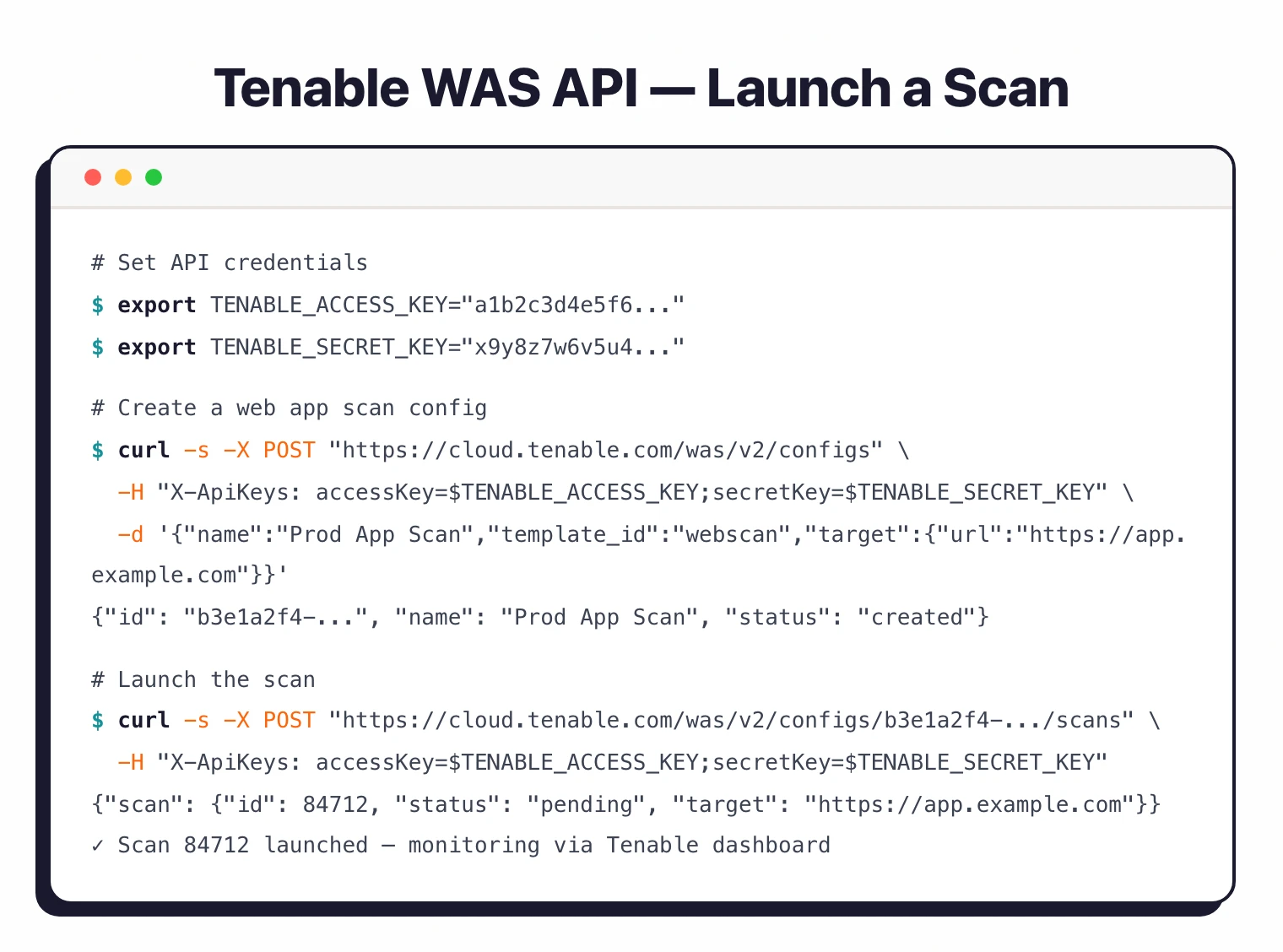
CLI and API Usage
# Set up API credentials
export TENABLE_ACCESS_KEY="your-access-key"
export TENABLE_SECRET_KEY="your-secret-key"

# Create a new web application scan configuration
curl -X POST "https://cloud.tenable.com/was/v2/configs" \
  -H "X-ApiKeys: accessKey=$TENABLE_ACCESS_KEY;secretKey=$TENABLE_SECRET_KEY" \
  -H "Content-Type: application/json" \
  -d '{
    "name": "Production App Scan",
    "owner_id": "YOUR_OWNER_UUID",
    "template_id": "webscan",
    "target": {
      "url": "https://app.example.com"
    }
  }'

# Launch a scan from a config
curl -X POST "https://cloud.tenable.com/was/v2/configs/{config_id}/scans" \
  -H "X-ApiKeys: accessKey=$TENABLE_ACCESS_KEY;secretKey=$TENABLE_SECRET_KEY"
A Python SDK is also available via pip install pytenable.
When to Use Tenable WAS
Tenable WAS makes sense for organizations already in the Tenable ecosystem. If you’re running Tenable.io for infrastructure vulnerability management, adding WAS gives you web app coverage in the same dashboard with correlated risk views.
Good fit for:
- Existing Tenable customers wanting unified web app and infrastructure security data
- Teams needing API testing across REST, GraphQL, and SOAP services
- Organizations that want ASM integration for automatic discovery of unknown web apps
- Government or regulated environments needing FedRAMP-authorized on-premises scanning
Not the best fit if:
- You need a free scanner — ZAP or Wapiti are open-source alternatives (see the free DAST tools guide)
- You want a standalone DAST without an ecosystem commitment — Acunetix or Nuclei work independently
- You’re scanning many small apps on a tight budget — per-FQDN pricing adds up
- You need an air-gapped solution with no cloud dependency (Security Center helps, but WAS is cloud-first)
Tenable WAS alternatives
Tenable WAS competes head-to-head with a small set of enterprise DAST platforms. Each peer occupies a slightly different buyer profile.
Qualys WAS is the closest peer. Same enterprise positioning, same per-FQDN-style licensing, similar OWASP-Top-10 + API coverage, and equivalent pull from the wider Qualys VM platform if you already standardize on Qualys for infrastructure scanning.
Rapid7 InsightAppSec targets the same buyer when you already run InsightVM or InsightIDR. Strong attack-replay reporting and an in-product DAST scanner that fits the Insight platform UX, but lacks the Nessus-research pedigree.
Invicti wins on proof-based scanning. Findings come with confirmed exploits attached, which slashes triage time on large estates. Tenable’s edge over Invicti is Attack Surface Management discovery; Invicti’s edge is finding accuracy.
Acunetix is the smaller-team alternative. Windows-first commercial DAST with public list pricing, faster procurement than enterprise platforms, and AcuSensor IAST agents that Tenable does not match.
For a wider view across the DAST landscape, see the full DAST tools hub.